1. Choose Your Performers
Add a photo of yourself, a picture of two people together, or a separate portrait of each person. Use photos you have permission to use.
YOUR PHOTOS. YOUR WORDS. YOUR FLOW.
Bring one or two photos and your story. Make a vertical rap performance video in your browser—no filming or editing required.
Make it yours.
Choose your photos. Set the scene. Tell your story.Your photos stay private · Review your settings and credits before creating
Hotel Lobby AI
Two performers. The orange studio. A fixed 15-second template.
THE SHORT ANSWER
AI Rap Flow is an AI rap video generator that turns one photo or two into a short rap performance video. Your own songs come out vertical 9:16; trend templates follow the original framing of the video they recreate. Choose a solo or duo setup, pick a stage, and add a personal topic instead of writing finished lyrics. Start creating in your browser in about 3 minutes—no app required; review your result before sharing.
Sign in to save your videos, upload photos privately and track each generation from your account.
Unable to play this example. Try again.
| Mode | Photos | Use |
|---|---|---|
| Solo | One portrait | One performer |
| Shared-photo duo | One photo of two people | Perform together from one image |
| Two-photo duo | Two separate portraits | Perform together from separate images |
Explore creative inspiration in TikTok’s Creative Center. Web publishers can read Google’s Video structured data documentation.
FROM PHOTOS TO YOUR FLOW
Add a photo of yourself, a picture of two people together, or a separate portrait of each person. Use photos you have permission to use.
Choose a stage and add a topic. Include the names, occasion, and small details you want the rap to reflect.
Review your selected options and credit cost, confirm photo permission, and follow your task in My videos.
SOLO, DUO & SPECIAL OCCASIONS
One photo and your own topic. Explore a performance about your story, a milestone or an inside joke.
Two selfies can bring friends into the same performance, even when they were taken in different places. Make a friends rap
Start with a name, an age and a shared memory for a personal birthday idea. Plan a birthday rap
Use a photo of both of you or separate photos. Add a detail that makes the topic yours.
Start with a personal story or a music performance trend. Browse the available tools, music trends and practical how-to guides.
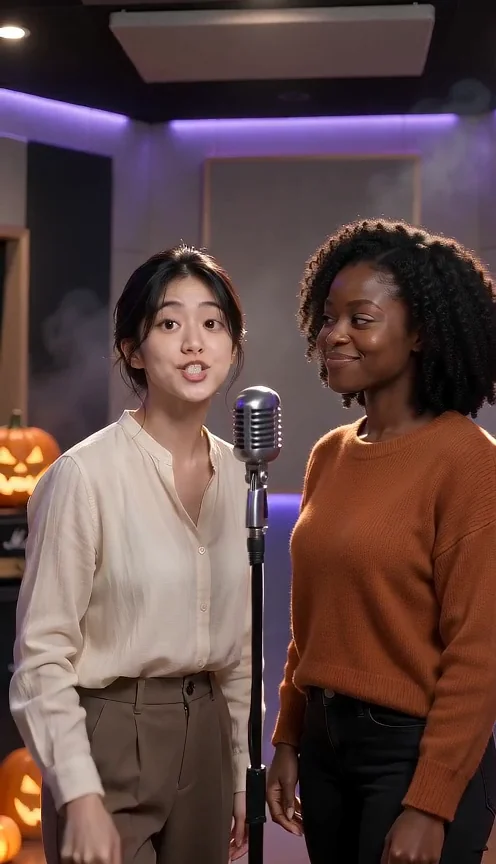
Your photos, a personal Halloween story and an original rap beat.
Explore tool ↗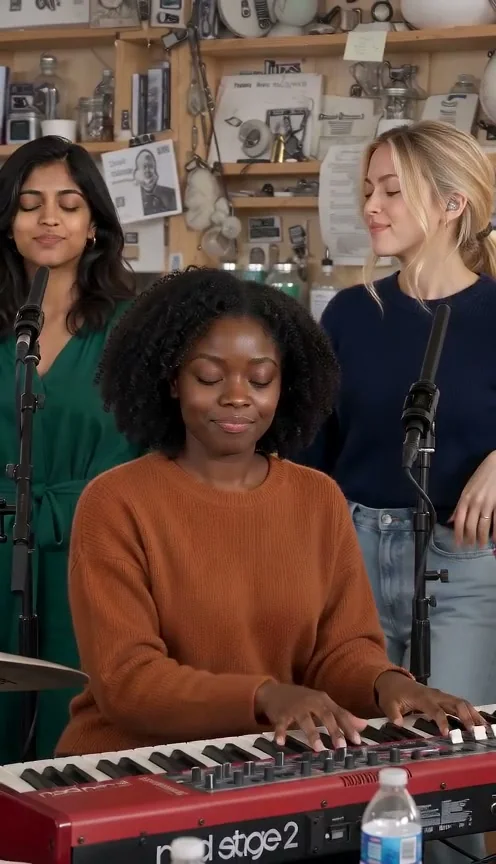
Lead plus optional Partner, RAP or POP, editable lyrics, original audio download.
Explore tool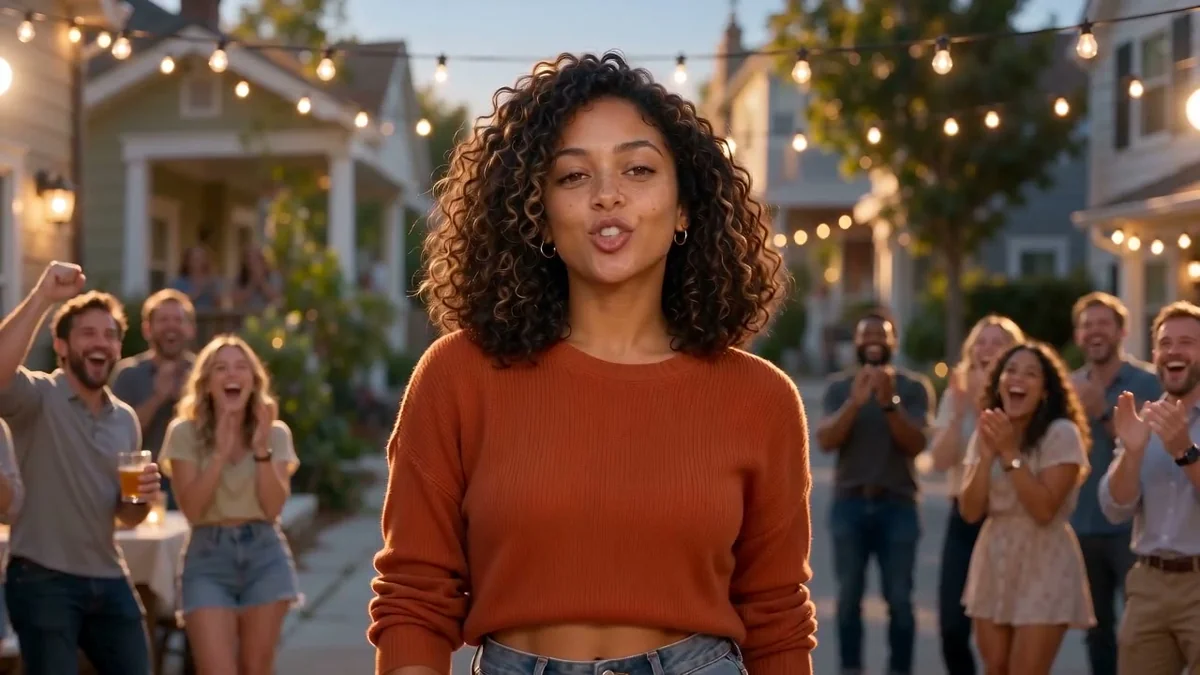
Make a personal birthday rap video with photos, a name, and a favorite memory. Create a solo birthday shout-out or celebrate together with AI Rap Flow.
Explore tool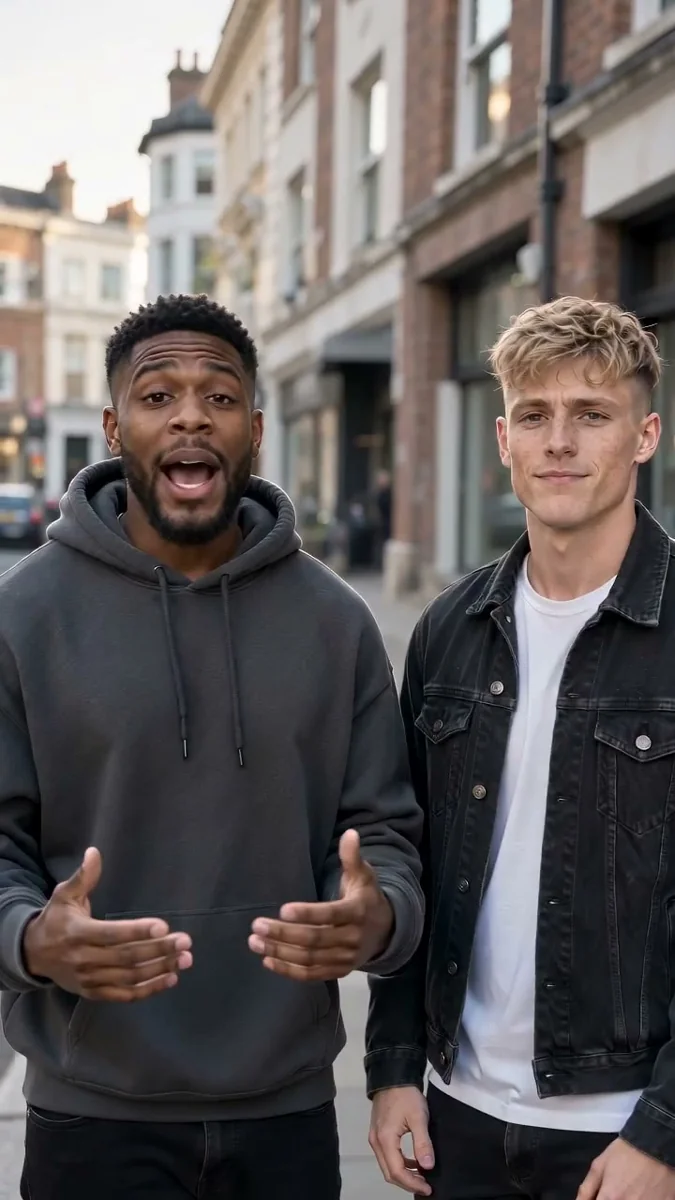
Photo-to-performance · original audio
Explore this trend ↗The first collection focuses on rap and music performances. Each template has its own guide, examples and preset studio.
Two photos · 15s · silent download
Explore this trend ↗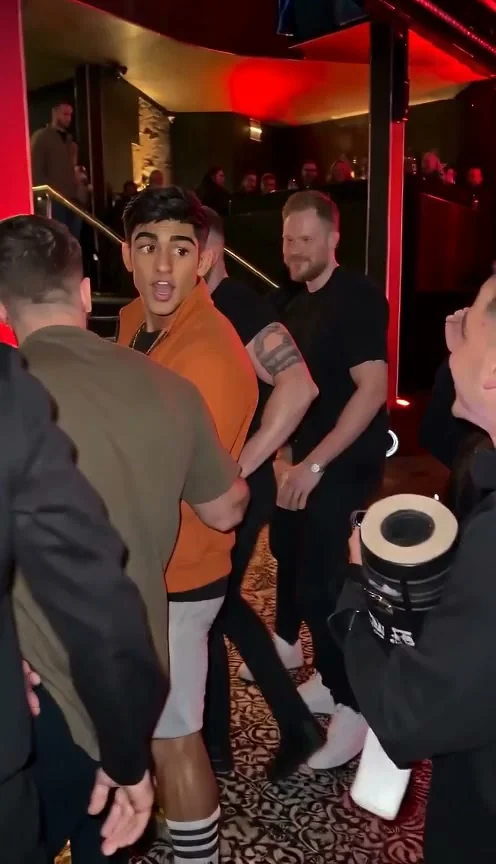
Photo-to-performance · original audio
Explore this trend ↗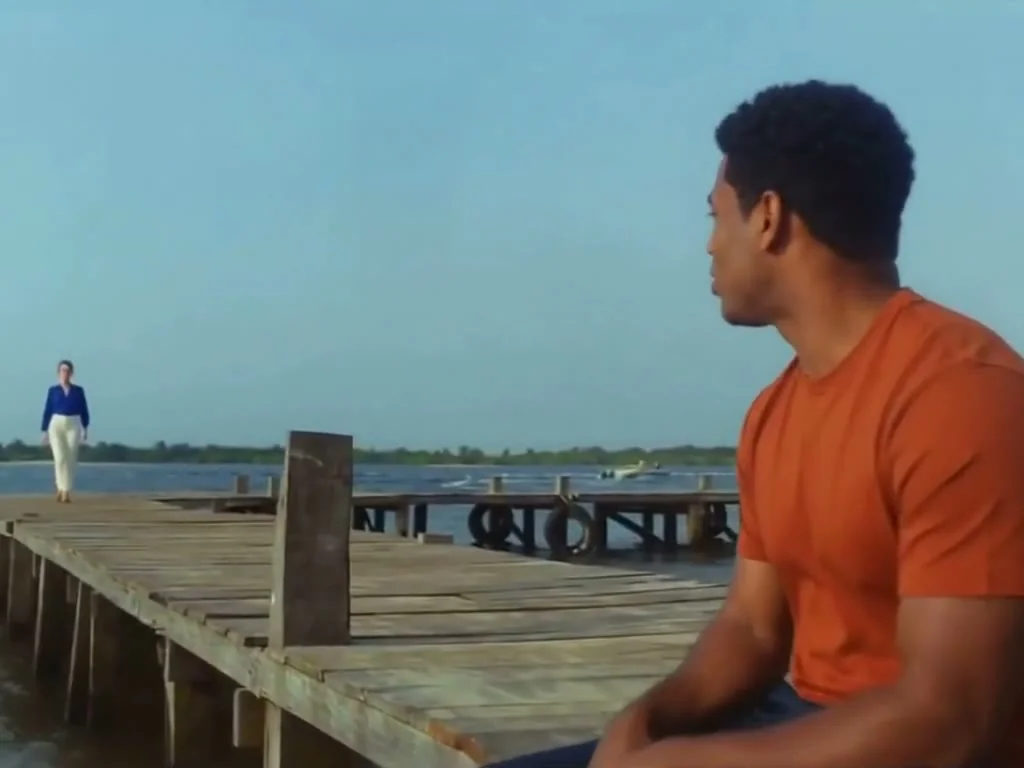
Two photos · fixed performance · silent MP4
Explore this trend ↗Five required photos · 15s · original audio download
Explore this trend ↗Choose a photo mode, stage and personal topic, then review the real generation before submitting.
Read guide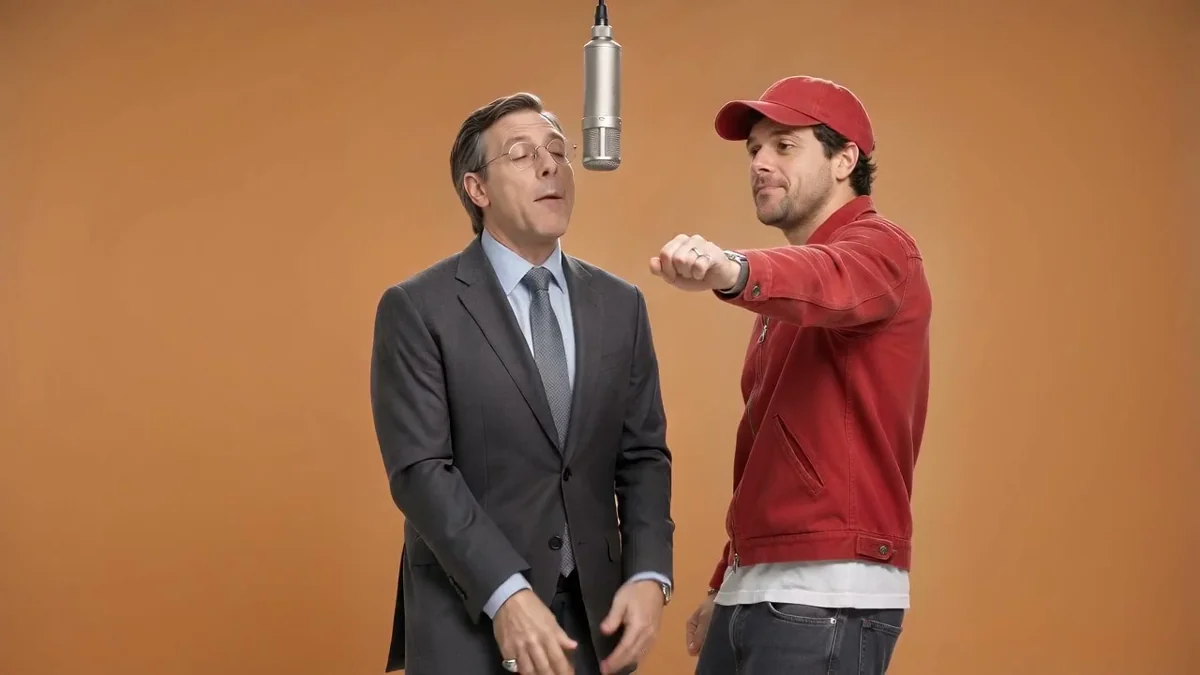
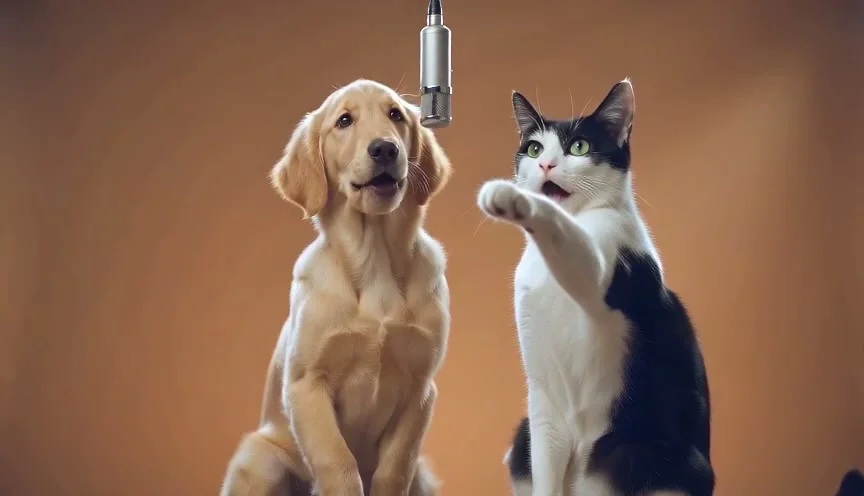
A two-photo walkthrough for the Hotel Lobby stage, with real duo and pet examples.
Read guideTwo assigned photo roles, with an honestly labeled template reference preview.
Read guideA one-photo vertical street freestyle guide with a real 9:16 example.
Read guideLead, optional Partner, RAP or POP, and editable lyrics with original audio.
Read guideFive required performer photos, fixed 15s motion reference, original audio download.
Read guideA practical walkthrough from the first story idea to the final picture-and-sound review, using our two-person Halloween example.
Read guide ↗Build a recognizable Halloween story, find a natural rhyme and leave room for the beat. Original writing exercises for solo and duo ideas.
Read guide ↗Eight personal concepts, from plastic-spider jokes to party thank-yous, with advice on matching each idea to your audience and photos.
Read guide ↗BUILD AROUND YOUR STORY
Choose who performs before you start. Your photo mode stays clear throughout the creation process.
Names, memories, and specific messages give your rap a point of view. You do not need to arrive with a finished song.
Choose from the available settings, whether you want an intimate studio feel or a more energetic performance.
Start from your phone or computer without filming a performance yourself.
Pricing
Choose a monthly or annual plan, or start with a one-time credit pack. A standard 720p, 12-second Rap Video uses 10 credits. Other settings and fixed Trends have different costs.
Review your selection before continuing to Stripe.
Choose your billing period. Savings compare the cost per standard video with Basic monthly.
Basic
Save 0%100 credits / month · ≈ 10 videos
$29.90/mo
≈ $2.99 / standard video
Pro
Save 44%300 credits / month · ≈ 30 videos
$49.90/mo
≈ $1.66 / standard video
Studio
Save 58%800 credits / month · ≈ 80 videos
$99.90/mo
≈ $1.25 / standard video
Single
10 credits · ≈ 1 video
$6.99
≈ $6.99 / standard video
Duo Pack
Save 17%50 credits · ≈ 5 videos
$29
≈ $5.80 / standard video
Crew Pack
Save 60%350 credits · ≈ 35 videos
$99
≈ $2.83 / standard video
Studio Pack
Save 68%900 credits · ≈ 90 videos
$199
≈ $2.21 / standard video
Label Pack
Save 76%3000 credits · ≈ 300 videos
$499
≈ $1.66 / standard video
Pack credits have no scheduled expiry · Subscription credits expire at the paid period end · Annual credits are granted up front
Compare model and music trend credit costs on our pricing page.
BEFORE YOU CREATE
YOUR NEXT VERSE
Pick a solo performance or bring a friend. Add your photos and explore a rap built around your own topic.
Make a rap video