Short answer
Make an Outstanding Tiny Desk AI video by assigning five photos to Lead, Keys, Backup L, Backup R and Sax. All five slots are required before generation. The 15-second vertical video follows a fixed motion template, and preview and download both include audio.
This page is for the fixed Outstanding performance. For a separate rap or pop song with editable lyrics, use Tiny Desk AI Rap & Pop.
What is Outstanding Tiny Desk?
It is a short AI video format built around a seated band performance. The selected motion template determines the stage, camera cuts and gestures; your five portraits guide the five named performers. Each photo stays assigned to its own role.
How the five performer roles work
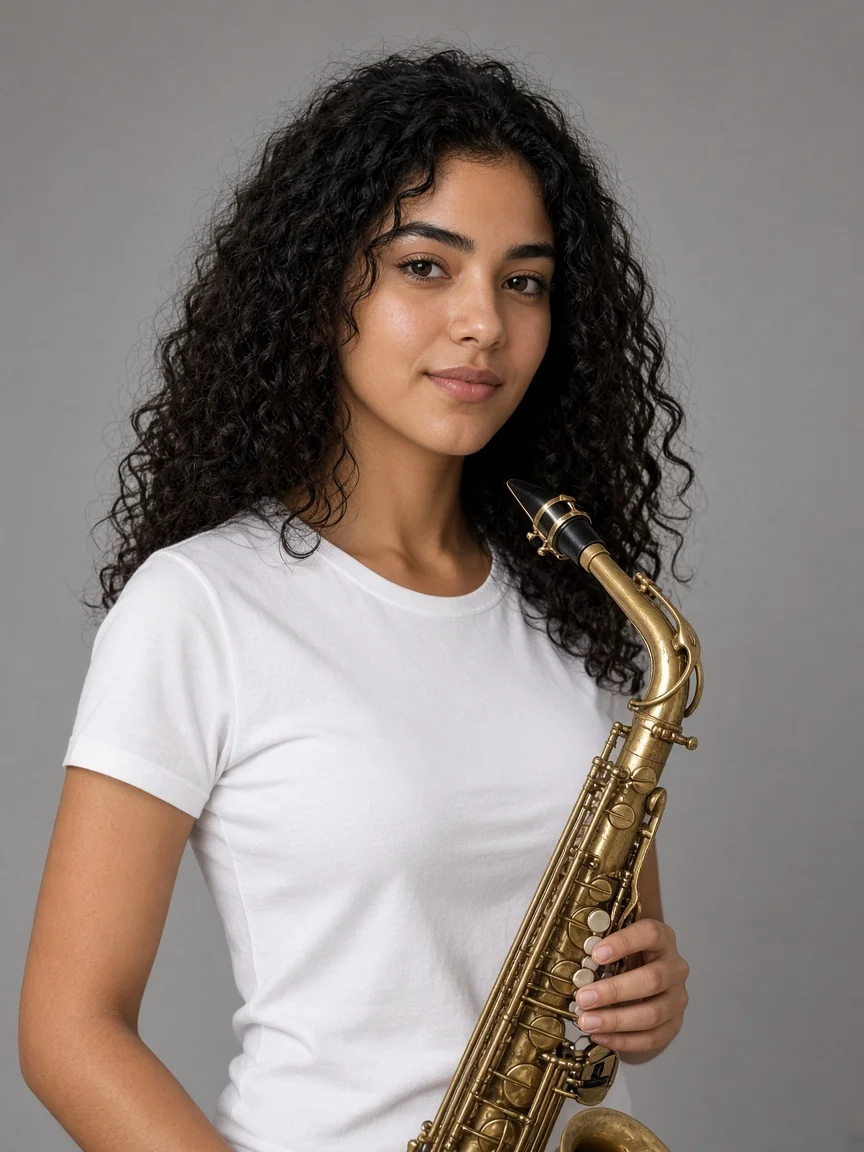
Add one clear photo per slot. Lead is the featured singer; Keys is seated at the red keyboard; Backup L and Backup R are the two supporting performers; Sax is the horn player. Keep faces visible and avoid combining multiple people into one upload.
The reference sequence opens on the three performers at the red keyboard from 0–5.25 seconds, cuts to the Lead close-up from 5.25–11.54 seconds, then moves to the Sax close-up from 11.54–14.15 seconds. The rendered video is 15 seconds long; it does not add a fourth return-to-band shot.
How it looks: five cast references and a finished example
These five role references are the cast inputs for the current Outstanding example. The example video shows how the fixed group, Lead and Sax shots come together. Your generated result may differ in face detail, movement and framing.
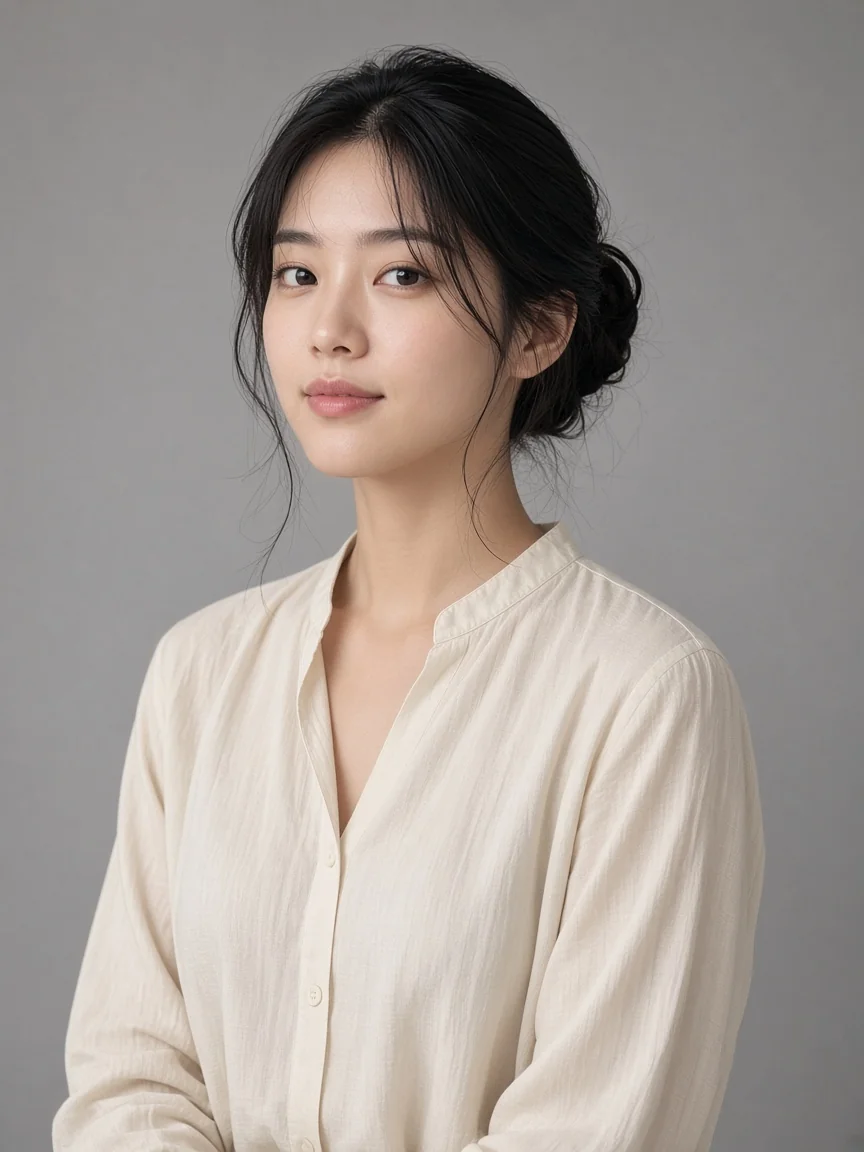
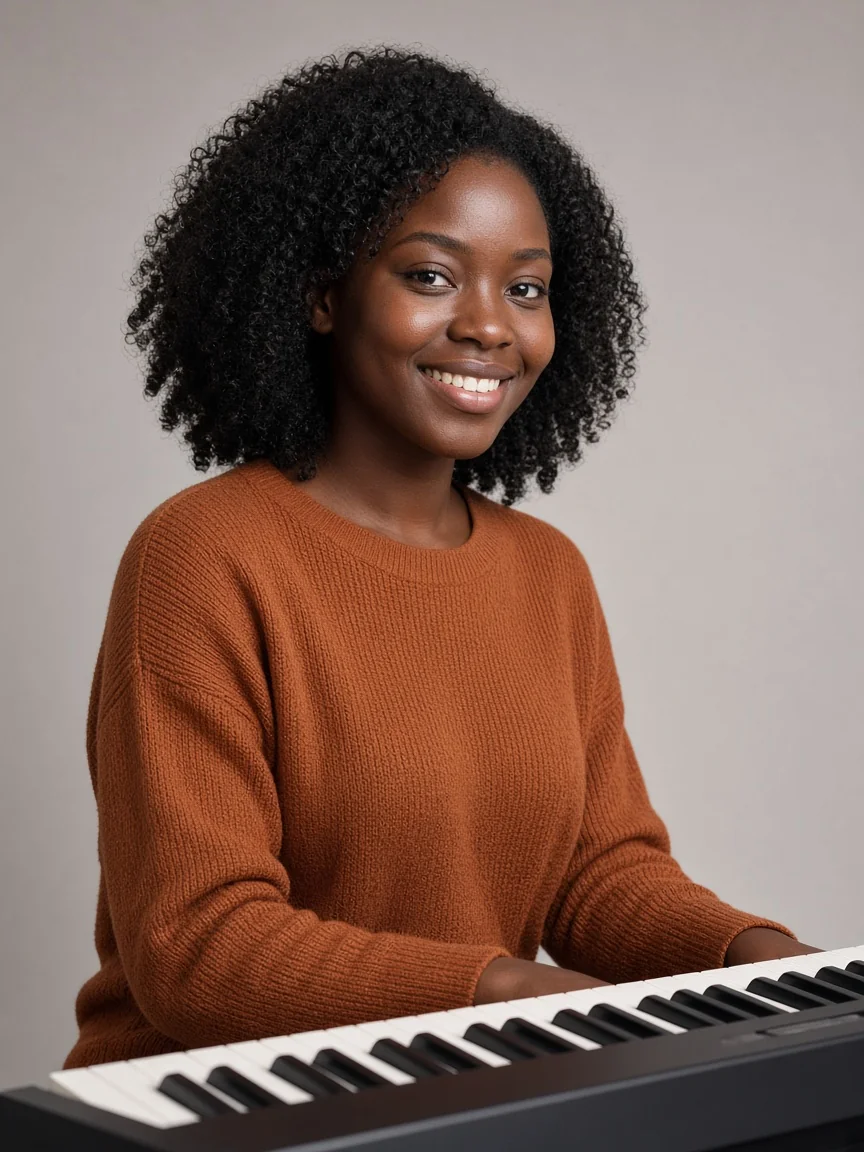
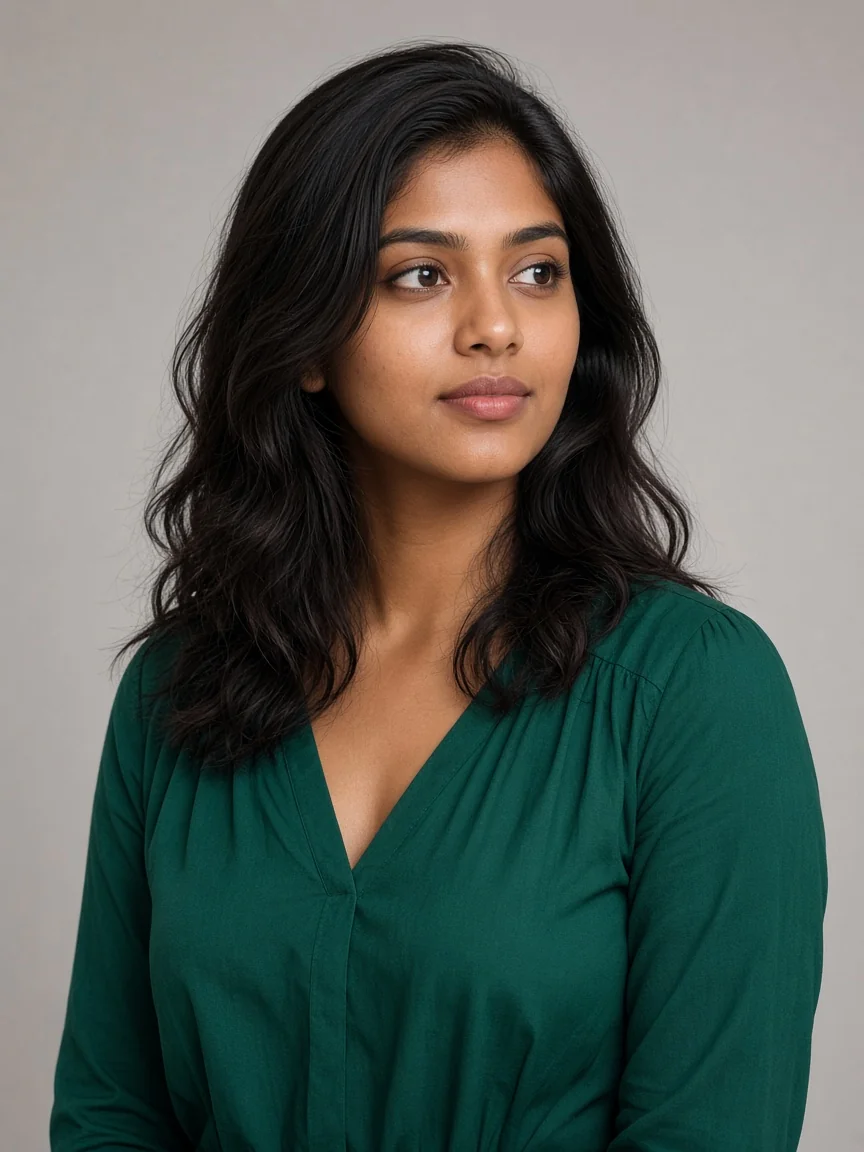
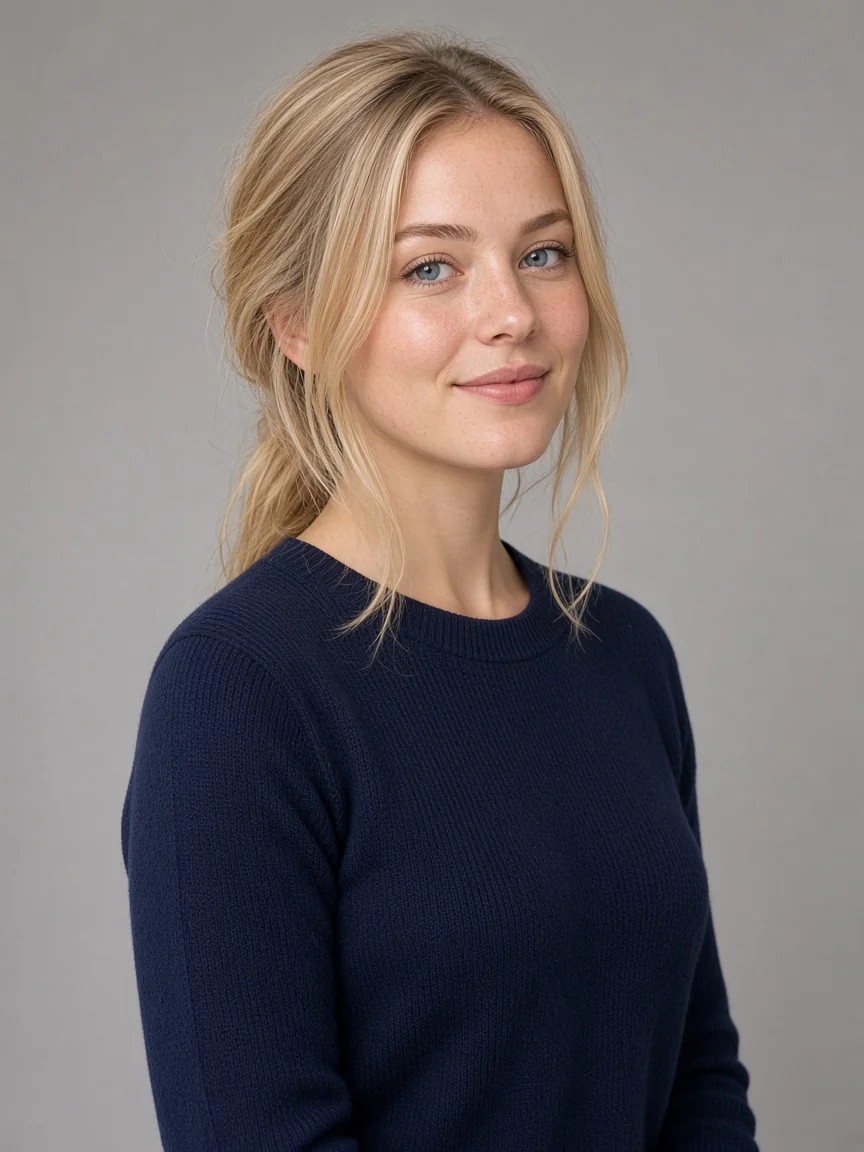
How to make an Outstanding Tiny Desk AI video
Outstanding Tiny Desk is a short, fixed AI performance for five photo references. Start by preparing one clear image for each position: Lead, Keys, Backup L, Backup R and Sax. Each role is required. The generator uses the assigned photos as visual guides, then follows a prepared sequence of shots on a compact music stage.
The output is a vertical 9:16 video that runs for about 15 seconds. It opens with the band at the red keyboard, moves to a close-up of the Lead, and finishes on Sax. The shot order and audio setup are fixed. There are no lyric or song controls in this template, and the generated video is a new interpretation rather than a frame-for-frame edit of a source clip.
Five photo roles in the Outstanding Tiny Desk template
Lead
Lead is the featured singer. Choose a clear adult portrait with a visible face and enough detail to guide the main performer. If the photo is dark or blurred, choose a cleaner image before you begin.
Keys
Keys is the keyboard performer. Use a portrait that you want assigned to that position. The example cast reference shows the keyboard role; the actual generated instrument and pose may vary with the model.
Backup L and Backup R
These are separate backing performer positions on the left and right. Upload a separate image to each slot and check the labels. A group photo does not replace either upload, because the workflow treats each role as a separate reference.
Sax
Sax is the horn performer who receives the final close-up. A clear portrait is useful, and an instrument in the reference can help communicate the role. The generated framing may still change from the reference.
What to review before submitting
Check that all five photos belong to the intended roles, that you have permission to use each image and that the displayed quality and credit cost are acceptable. Read the permission prompt before submitting. A task reference appears after the service accepts the request; use it to follow progress and open My videos for the finished result.
Watch the whole video before downloading or posting. Confirm that the expected people appear in the intended moments, the ending completes and the audio plays. Generated faces, movement and framing can vary, so decide whether the result is appropriate for its audience before sharing.
Outstanding Tiny Desk audio and customization
The preview and downloaded MP4 include audio. The track and motion template are fixed for this workflow. You cannot replace the music, edit lyrics, change the five-role order or select a different duration here. If you need to write a hook, choose RAP or POP, or create a new song, use Tiny Desk AI Rap & Pop. For a comparison of both paths, read the Tiny Desk AI guide.
Outstanding Tiny Desk FAQ
How many photos are required?
Five separate photos: Lead, Keys, Backup L, Backup R and Sax. All role slots must be filled before generation.
How long is the video?
The template creates a vertical video that is about 15 seconds long.
Does the example video include audio?
Yes. Audio is included in the preview and downloaded MP4.
Can I change the camera order or write lyrics?
No. The Outstanding template has a fixed shot sequence, audio setup and duration. Use the original Tiny Desk AI Rap & Pop studio for a new song and editable lyrics.
Will my output look exactly like the reference?
No. The reference guides the output, but generated faces, timing, movement and framing can vary. Review the finished video before sharing.
Outstanding Tiny Desk FAQ
Do I need all five photos?
Yes. Lead, Keys, Backup L, Backup R and Sax each need a photo. The Generate button stays disabled until every slot has an image.
How long is the video?
The output is 15 seconds in vertical 9:16 format.
Does the preview or download include sound?
Yes. Both include audio for this template.
Can I write lyrics or change the music?
No. For an original RAP or POP song with editable lyrics and an optional second performer, use Tiny Desk AI Rap & Pop.
Whose photos should I upload?
Use clear photos of adults and get permission from the people pictured.
Browse all music trends, read the Tiny Desk AI guide or return to the homepage.