AI Rap Flow · MUSIC TRENDS
Rap & Music Performance Trends
Choose a music performance, add your photos, and make the scene your own.
Choose a trend ↗Your photos stay private · Review your settings and credits before creating
Choose Your Rap or Music Trend
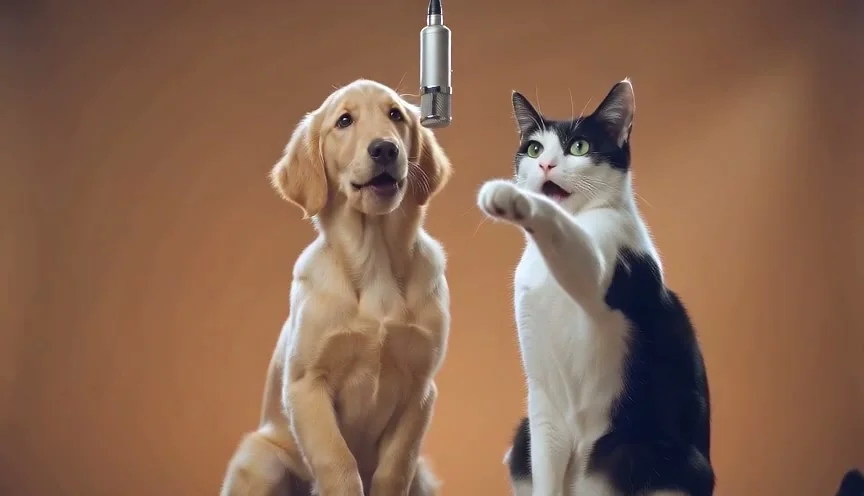
Outstanding Tiny Desk
Five required photos · 15s
Explore this trend ↗Hotel Lobby AI
Two photos · 15s · 16:9 default · silent download due to copyright
Explore this trend ↗Bulin 47 AI
One photo · 15s · 9:16
Explore this trend ↗Raindance AI
Two photos · fixed performance · silent download due to copyright
Explore this trend ↗
How to Make Your Music Performance
1. Choose Just me, one photo of both performers, or two separate portraits. Use clear photos you have permission to use.
2. Keep this trend selected, then choose the quality, length, format and output language. Rap Video remains available if you want to write a custom story. For Tiny Desk specifically, compare Outstanding trend vs original rap.
3. Review the generation prompt and account credit cost. Confirming submits a real generation task; follow its progress and download the result from My videos.
An Original Performance Inspired by the Look
These templates generate a new scene using your photos as identity references. They do not replace faces in a supplied original video, reproduce exact choreography, include the original track, or clone an artist’s voice.
Audio, identity consistency, pronunciation and lip sync depend on the model. Review the result before sharing. The example videos are AI-generated examples from our studio, including the Raindance clip, which is not the original music video or a template reference. Your result may differ.