Choose Separate Photos or a Shared Picture
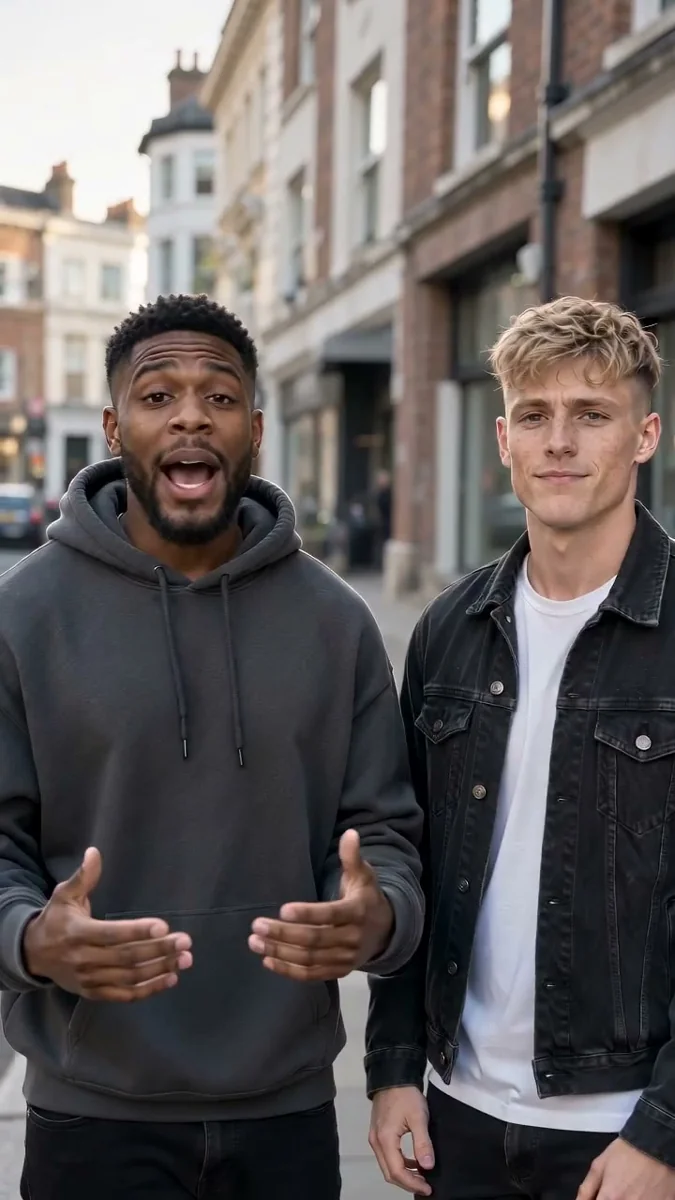
Use Two photos when each person has a portrait, or One photo of both when your picture already shows the two of you. Choose a clear image where each face is easy to see.
FOR THE PEOPLE WHO KNOW YOUR STORY
Different photos. One shared story. Bring your inside jokes, a shared win, or a memory from school into a rap performance about the two of you.
Start creating ↗Your photos stay private · Review your settings and credits before creating
THE SHORT ANSWER
You do not need a photo from the same day or place. Start with a portrait of each person or one photo together, then choose a memory that both of you recognize.
YOUR PHOTOS TO YOUR STORY
Use Two photos when each person has a portrait, or One photo of both when your picture already shows the two of you. Choose a clear image where each face is easy to see.
Include your names, one shared memory, and the tone you want. A road trip, a running joke, or the day you first met gives the rap something specific to say.
After reviewing and confirming generation, check the faces, wording, and audio in the finished result. Make sure both people are comfortable with the video before sharing it beyond your own conversation.
Choose your photos and settings, then review the generation prompt and credit cost. Your task and completed video are saved privately to your account.
Create a Friends Rap VideoAI Rap Flow
A rap about Sam and Riley, best friends since school, who still argue about the same video game. Keep it playful.
A thank-you rap for the friend who helped me move three times and never complained.
A duo rap celebrating our first marathon, including our terrible training playlists.
These are original topic examples to adapt, not generated video results.
AI Rap Flow
Use a clear portrait of each person, or a shared photo with two visible faces. Avoid large groups when the selected mode is designed for a duo. Match your input to the photo requirements shown in the studio.
BEFORE YOU CREATE
YOUR NEXT VERSE
Start with the people, memories, and inside jokes that make the story yours.
Create a Friends Rap Video